How to Automate Scheduling, Invoicing, and Client Follow-Up
flosona.com
October 13, 2026 · 10 min read
How to Automate Scheduling, Invoicing, and Client Follow-Up
Over half (56%) of US small businesses are owed money from unpaid invoices, and the average amount is $17.5K per business (Intuit QuickBooks). That's rarely because the owner is lazy about billing. It's usually a handoff problem. The job lives in one tool, the invoice in another, and the follow-up lives in someone's head.
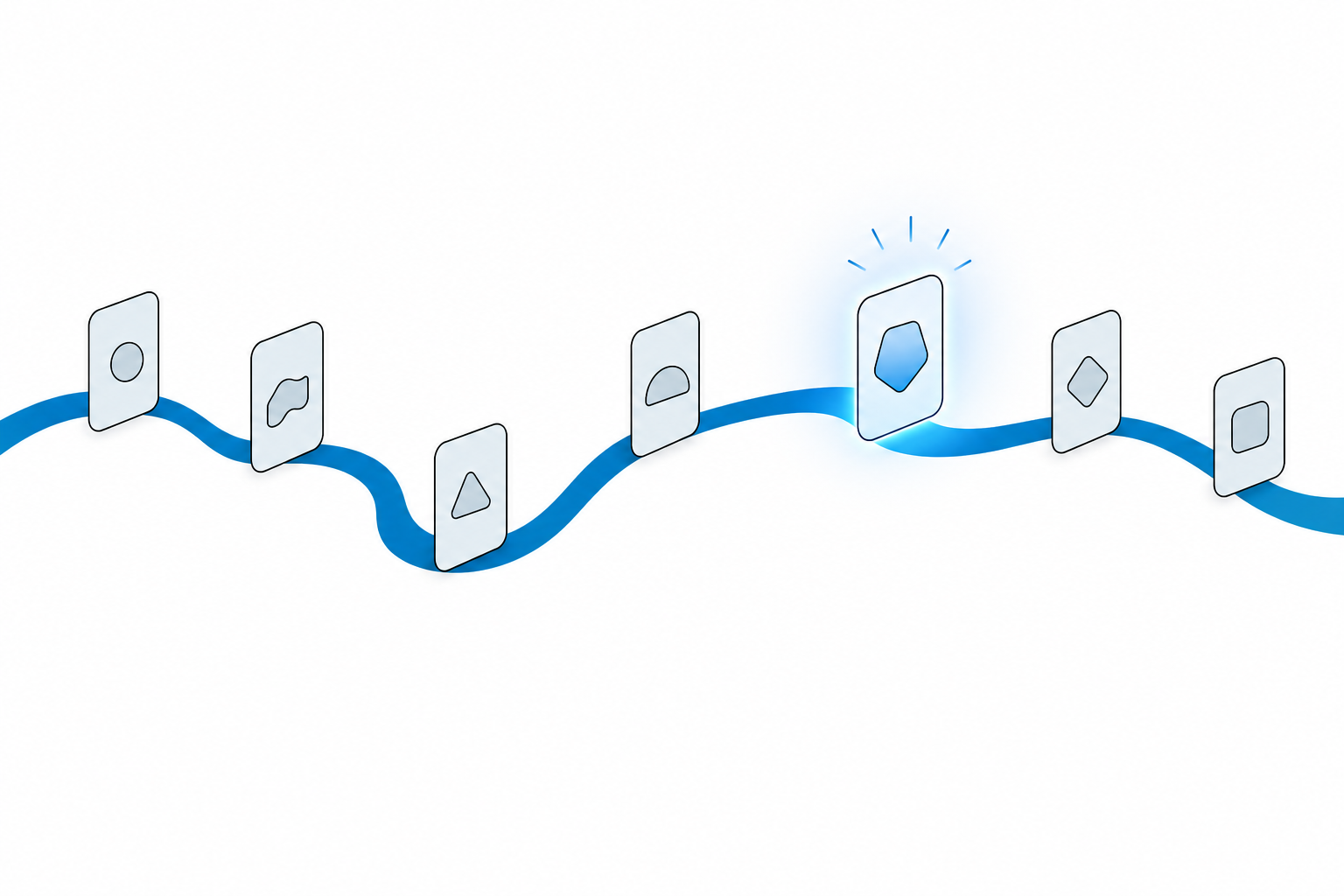
This guide gives you one blueprint: one client journey, seven automations. Each one has a trigger, a message, and a timing you can copy. We'll run it in a single system, using Flosona as the worked example, and compare it against a Zapier patchwork on cost and failure points.
Why scheduling, invoicing, and follow-up break when they run apart
Late payment is common, and it hurts. The same Intuit QuickBooks report found 47% of businesses had a portion of their invoices overdue by more than 30 days. Among businesses with heavier overdue exposure, 50% reported cash flow issues, compared with 34% of those with fewer late payments (Intuit QuickBooks).
Disconnected tools can create billing handoff delays. Here are three places those delays can occur:
- Retyping. The booking sits in a calendar app and the invoice sits in an accounting app, so someone copies job details by hand.
- Lost status. The "job done" signal never reaches billing, so the invoice goes out days later, or never.
- Memory-based follow-up. Chasing a payment or asking for a review depends on someone remembering to do it.
Plenty of articles argue that invoicing should connect to scheduling (improveit360). Fewer show you the wiring. That's what the rest of this post does.
The cost of a patchwork
You can glue separate apps together with Zapier. Its free plan covers 100 tasks a month and only two-step Zaps. Professional starts at $19.99/month billed yearly for 750 tasks, and an AI step can use 3 or 5 tasks each (Superdupr).
Here's some illustrative math, not a sourced stat. Seven automations across 40 clients a month is 280 or more tasks, before you add a single AI step. You're already past the free tier.
To be fair, the patchwork has a real upside: you get to pick the best tool for each job. The tradeoff is that you pay per task, and every connector is one more thing that can break or need its permissions refreshed. An all-in-one system flips that. In Flosona, scheduling, online booking, invoicing, CRM, tasks, and documents all sit in one workspace.
| All-in-one | Zapier patchwork | |
|---|---|---|
| Setup | One workspace, one login | Several apps plus Zaps between them |
| Cost driver | Plan price | Plan prices plus task volume |
| Failure points | Fewer handoffs | Every connector |
| Data re-entry | Job record carries through | Copied between apps by Zaps |
| AI cost | Included where offered | AI steps can use 3 or 5 tasks each |
Map the client journey from first booking to final payment
Before you automate anything, write the journey down. Here's the seven-step blueprint for a typical service job.
| # | Trigger | Message | Timing | Who or what sends it |
|---|---|---|---|---|
| 1 | Inquiry or booking submitted | Booking | When the client submits it | Booking page |
| 2 | Appointment approaching | Reminder | 24 to 48 hours before | Automatic email reminder |
| 3 | Site visit or consult done | Quote | Same day | You, from the job record |
| 4 | Quote accepted | Send the accepted quote as an invoice | When you send it | User action in Flosona |
| 5 | Job marked complete | Issue the final invoice with payment link from the job record | When you issue it | User action in Flosona |
| 6 | Invoice unpaid | Payment nudge | At due date, then +7 days | Business email plus an assigned task |
| 7 | Paid | Thank-you and review request | Within 24 hours | Business email from the customer record |
Flosona includes a shareable booking link or embedded calendar, automatic email reminders, quote conversion to invoices, installment plans with a deposit and final payment, and PDF invoices with a payment link that update their own status when paid (Flosona). Users send an accepted quote as an invoice and issue the final invoice from the job record.
Steps 6 and 7 are different. You handle them with the built-in business email plus a task assigned to a person with a deadline. They aren't fully automated, and you shouldn't treat them as if they were. What the system does is make sure nobody forgets them.
Why within 24 hours for step 7? One vendor claims that after 24 hours, willingness to leave a review drops by roughly 70% (Ciela.ai). That figure is vendor-reported, so treat it as a nudge to move fast rather than as a hard law.
How steps 3 to 5 change by trade
- Law firm retainer: an intake form captures the matter, the retainer becomes the deposit installment, the work is broken into tasks, documents are shared securely, then billing follows (Flosona solutions).
- Roofing job: dispatch the crew, quote on site, and invoice when the work is signed off. If the crew changes, reassign the job without recreating it.
- Bakery order: a custom booking form captures cake size and pickup date, a deposit holds the date, and the final payment lands before pickup.
Set up online booking and automatic job scheduling
This section covers automations 1 and 2. In Flosona, the setup runs like this:
- Create your branded workspace, which comes with a custom URL and booking page.
- Share the external booking link, or embed the booking calendar and a custom form on your website.
- Assign each job to a team member on the shared calendar, using the day, week, or month view.
- Turn on automatic email reminders before appointments and jobs.
Self-booking appears to help attendance. A 2025 study at a private medical practice found online-booked appointments had a 1.8% no-show rate, versus 5.9% for offline bookings (Clinekt Health). It's a medical study, so read it as directional for a roofing or catering business.
The reminder evidence points the same way, again mostly from healthcare:
- A meta-analysis of 29 studies found automated reminders cut non-attendance by a weighted mean of 28.9% (Clinekt Health).
- A JAMA study found reminders reduced the no-show rate from 24% to 14% (JAMA).
- Mayo Clinic's Jacksonville facility achieved a nearly 50% drop in no-shows by sending text reminders two days before appointments (Prospyr Med).
Set your reminder window at 24 to 48 hours. That gives clients time to reschedule instead of ghosting.
Now the honest caveat. An MGMA Stat poll in August 2026 found 32% of medical groups reported higher no-show rates so far in 2026 compared with 2025 (Notifyre). A Confido.Health review put the median risk ratio for reminders at about 0.91, a modest effect (Confido.Health). Reminders help.
They don't fix everything. Also note that Flosona's reminders go out by email, and the Mayo result came from texts.
Send invoices and collect payments without re-entering data
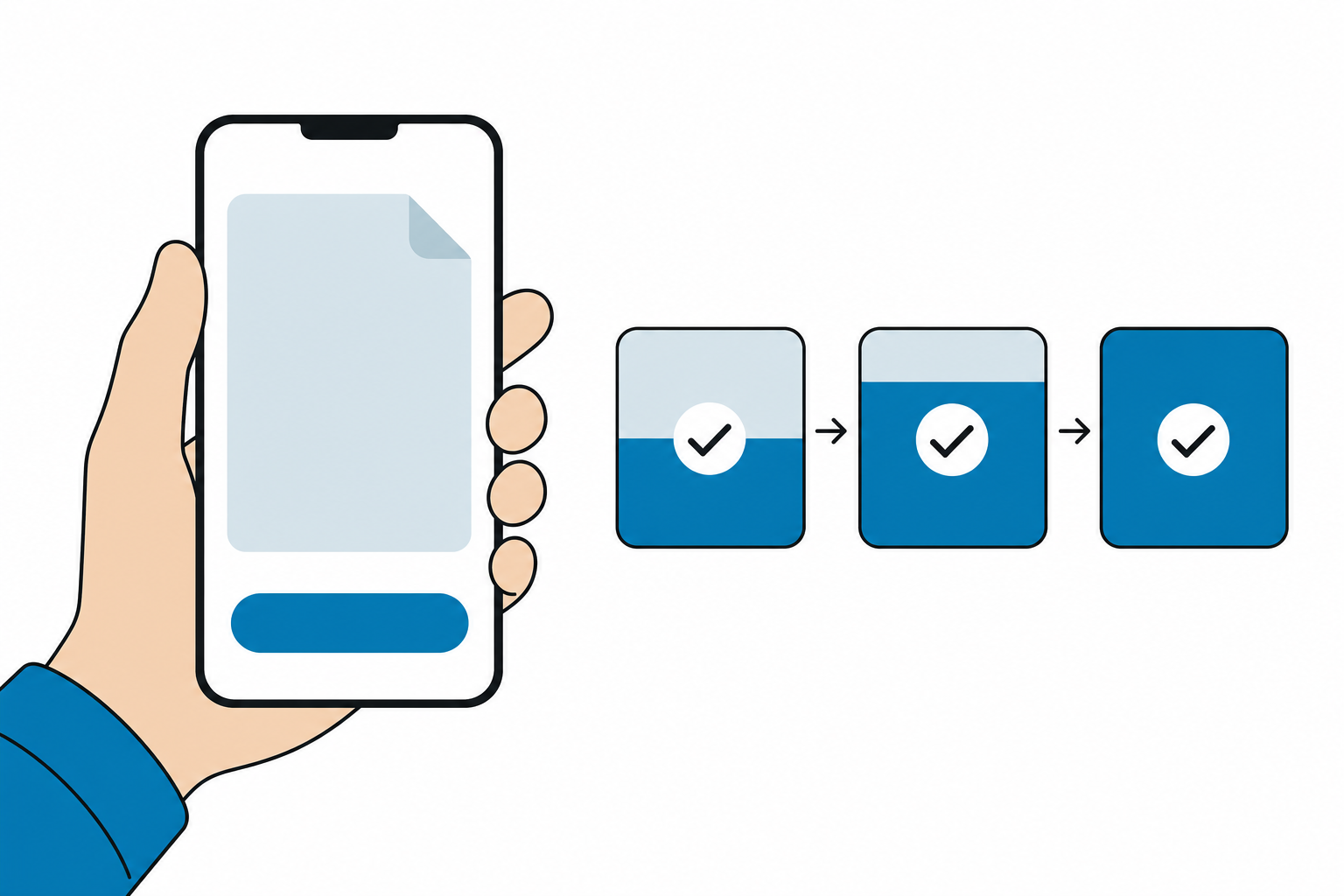
This covers automations 3, 4, and 5. The goal is simple: the job record you created at booking becomes the quote, then the invoice, with no retyping.
In Flosona, you build itemized quotes and invoices with your logo, taxes, discounts, and custom notes. They go out as a PDF with a payment link (Flosona invoicing). In a patchwork, that same handoff is a Zap copying line items from one app into another, and it's one more step you pay for and maintain.
Deposits and installments
Split a job into a deposit and a final payment, each with its own status and due date. That one feature covers three very different businesses:
- Law firm: the retainer is the deposit.
- Roofing contractor: the materials deposit is collected before the crew orders shingles.
- Bakery: a deposit holds the pickup date, and the balance comes before pickup.
Payment and status updates
With Stripe connected, each invoice goes out with a link your customer uses to pay online. When the payment lands, the invoice status updates on its own. Every payment, refund, and manual transaction is recorded against its original invoice in real time, so your financial records stay in sync without a spreadsheet.
Why does speed matter here? Small businesses waited an average of 29.3 days to be paid in the June 2026 quarter, according to Xero's latest available figure. There's some good news too. US small businesses were paid an average of 7.8 days late in the December 2025 quarter, the shortest delay in four years, per Xero data cited by Billed App (Billed App).
Both are aggregator summaries, so check Xero Small Business Insights directly before quoting them. Either way, an invoice that goes out the same day the job finishes starts that clock earlier.
Trigger client follow-up from job and payment status
This covers automations 6 and 7, and where AI fits.
Overdue nudges
Use invoice status as your trigger. Send a nudge on the due date and another 7 days later. In Flosona, check the invoice status view, send the nudge from the built-in business email, and assign a follow-up task with a deadline to a named owner.
That last part matters most. Remember the 47% of businesses with invoices overdue by more than 30 days (Intuit QuickBooks). An unpaid invoice with no owner tends to drift. An unpaid invoice with an owner and a deadline gets chased.
Review requests after payment
Once the invoice flips to paid, send a thank-you and review request from the customer record. It's logged on that customer's activity timeline, so anyone on your team can see it went out. Aim for within 24 hours, keeping in mind that the 70% figure is vendor-reported (Ciela.ai).
Where AI helps
Flosona's AI assistant answers questions about your jobs and customers. Try prompts like:
- "Which customers have unpaid invoices?"
- "What's scheduled for the roofing crew Thursday?"
It's a fast way to build your follow-up list for the day. It doesn't send messages on its own. You still hit send.
In a Zapier patchwork, adding AI to follow-up has a direct cost: each AI step can use 3 or 5 tasks (Superdupr). At 40 clients a month, that adds up fast.
Measure whether the automation is working
Track four numbers every month:
- No-show rate. Benchmarks: 1.8% for online bookings vs 5.9% offline, and 24% falling to 14% with reminders.
- Days to payment. Benchmark: the 29.3-day average in the June 2026 quarter.
- Share of invoices overdue more than 30 days. Benchmark: 47% of businesses have some.
- Review requests sent within 24 hours of payment.
You can read days to payment and the share of invoices overdue more than 30 days from the Flosona dashboard overview and your financial records, where each payment links back to its invoice. Track no-show rate and review requests sent within 24 hours separately unless those reports are confirmed.
The 8-point audit
Answer yes or no:
- Can a client book without emailing you?
- Does a reminder go out 24 to 48 hours before every job?
- Does a quote become an invoice without retyping?
- Do deposits have their own due date?
- Does payment update invoice status automatically?
- Does every unpaid invoice have an owner and a deadline?
- Is a review request sent within 24 hours of payment?
- Is the full client history on one customer timeline?
A word on the benchmarks. Many review and no-show figures come from vendor blogs, and most reminder studies come from healthcare, not law firms or bakeries. Your own baseline is the number that counts. Record it this month, then compare next month.
FAQ
Do I need Zapier if I use an all-in-one system?
For the seven steps in this blueprint, usually not, because booking, reminders, invoicing, and the customer record share one workspace. Zapier still makes sense if you're committed to a specific outside tool. Just budget for task volume: the free plan stops at 100 tasks a month, and Professional starts at $19.99/month billed yearly for 750 tasks.
Do appointment reminders work outside healthcare?
Probably, but the evidence is mostly medical, so treat it as directional. Even in healthcare, an MGMA Stat poll found 32% of medical groups saw higher no-show rates in 2026 than in 2025. Combine reminders with self-booking and easy rescheduling instead of relying on reminders alone.
Can I take deposits and final payments separately?
Yes. Flosona's installment plans split a job into a deposit and a final payment, each tracked with its own status and due date. It works for retainers, materials deposits, and date-holds.
What does the free plan include?
The Free plan includes scheduling, unlimited quotes and invoices, CRM, and financial management. It supports one user and up to 5 CRM customers, and it doesn't need a credit card. It's built for trying Flosona with your first customers.
What if my crew changes after I've scheduled a job?
Reassign the job to another team member on the shared calendar. You don't have to recreate it, so the quote, notes, and customer history stay attached.
Sources
- Intuit QuickBooks, Small Business Late Payments Report 2025
- improveit360, How contractor invoicing software can automate your follow-ups
- Superdupr, How much does Zapier cost
- Ciela.ai, How to automate review requests for local business clients
- Clinekt Health, Do appointment reminders reduce no-shows
- JAMA, reminder study
- Prospyr Med, How automated reminders reduce no-shows
- Notifyre, Appointment reminder statistics
- Confido.Health, Do appointment reminders actually reduce no-shows
- Clockify, Late invoice statistics
- Billed App, Invoicing statistics
Start free, then run the audit
Score your setup with the 8-point checklist today, because every "no" is your next automation. Then open a free Flosona workspace (no credit card) to try the features listed for the Free plan. The full booking and payment workflow requires a plan that includes the booking page, Stripe payments, and installment plans. Solo is $15 monthly or $13 annually.
Team for 2 to 10 users is $13 monthly or $11 annually per user. Team for 11 or more users is $11 monthly or $9 annually per user (see Flosona pricing). Check the industry solutions pages for law, roofing, and bakery setups, or book a 15-minute demo and walk through it with your own workflow.
Run your service business on Flosona
Scheduling, invoicing, payments, CRM, and email in one platform. Free to start.
Get Started