How AI Business Software Helps Service Teams Manage More Work
flosona.com
October 14, 2026 · 10 min read

How AI Business Software Helps Service Teams Manage More Work
Small business owners who use AI for both scheduling and payroll save an estimated 7.7 hours and $343 a month (Homebase 2026 Main Street AI Gap Report). That's almost a full workday back every month. Yet only 14% of small businesses say AI is fully embedded in their core operations, according to the Goldman Sachs 10,000 Small Businesses survey (Epiphany Dynamics).
So most teams are trying AI. Very few have rebuilt their day around it.
This guide follows one job from first call to final payment. The team is a 5-person roofing crew we'll call Ridgeline Roofing. Ridgeline is fictional, and every before/after detail about them is illustrative. The software details come from Flosona, the platform we build, because the whole job lifecycle runs in one workspace there.
Where Service Teams Lose Time Today
Ridgeline has an owner, an office manager and three crew leads. Here's an illustrative "before" day.
- 7:30 a.m.: The office manager arrives to four voicemails. Two are new leads who've probably already called a competitor.
- 8:00 a.m.: A crew lead calls in sick. The whiteboard schedule gets erased and rewritten, and two customers get calls to move their windows.
- Midday: The owner types three quotes in a word processor, copying addresses from a text thread.
- Friday night: Invoices get batched after dinner, because there's no time during the week.
Customer notes live in texts, email and the owner's memory. When a crew lead shows up on site, he often doesn't know what the customer said on the first call.
Missed calls are a real leak. One unnamed HVAC company in a vendor case study started at a 60% call answer rate before it automated call handling (AI Crescent). The company isn't named and the figures aren't independently verified, but the pattern will feel familiar to any trade business.
The cost of stitching tools together
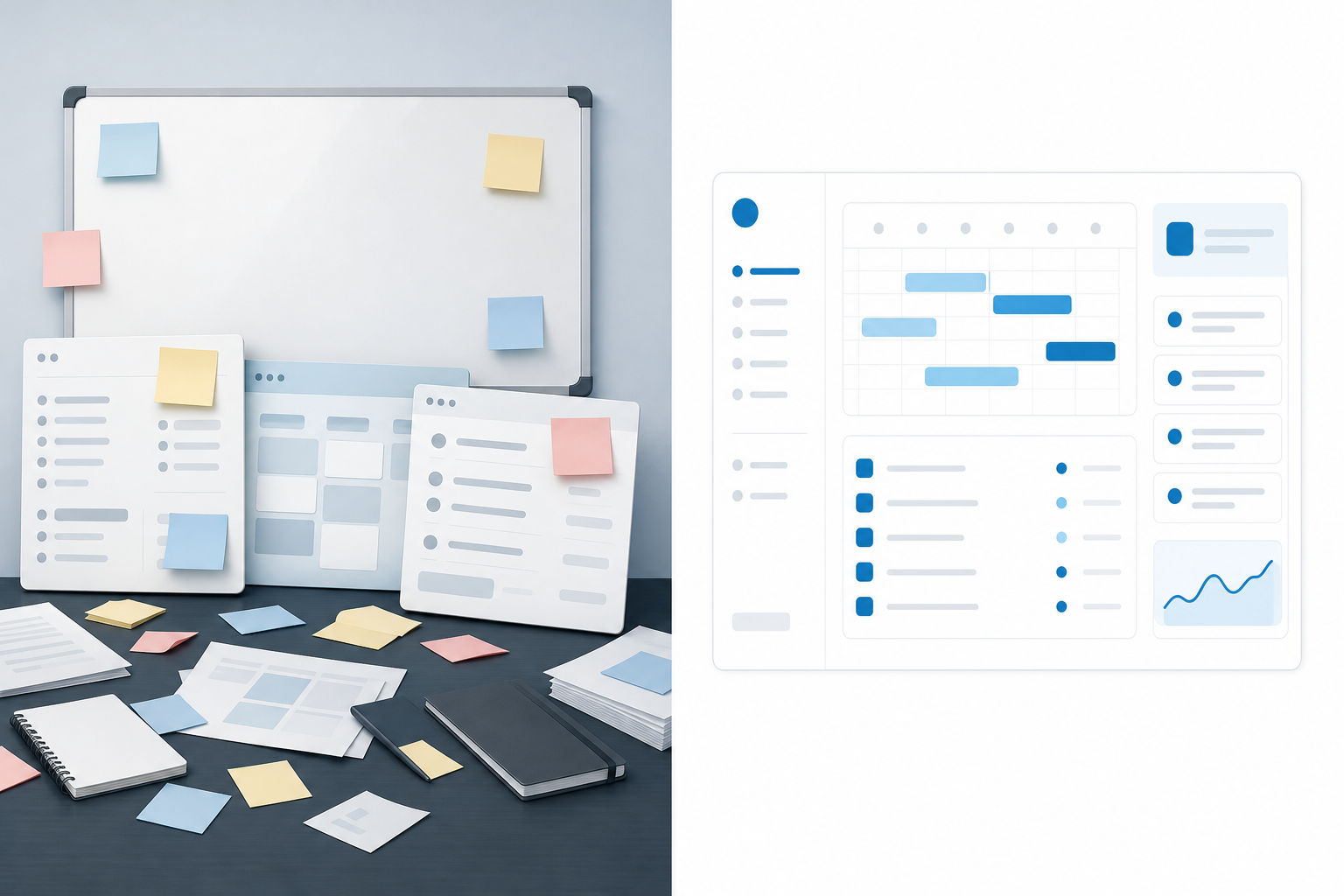
Most teams run on a calendar app, a spreadsheet, an invoicing tool and a shared drive. Each tool works fine alone. The problem is the handoffs. Every time a job moves from one tool to the next, someone retypes the customer's name, address and job details.
Using AI isn't the same as running on it
Adoption is climbing fast. 74% of small business owners and managers are now using or piloting AI tools, up from 64% in 2025 (Homebase). The Goldman Sachs survey found 76% of small businesses report using AI, but only 14% say it's fully embedded (Epiphany Dynamics).
Survey definitions vary a lot, so treat any single adoption number with care. The gap shows up across sources, though. Scheduling and admin automation is used by 29% of AI-adopting small businesses, and only 22 to 31% use AI in ways that change a workflow (Lilach Bullock).
The takeaway: a chatbot bolted onto scattered tools won't change your week. Moving the work itself into one place will.
How AI Helps With Scheduling and Dispatch
Same crew lead, same sick call. Here's the "after" morning.
The office manager opens one shared team calendar and switches between day, week and month views. The sick crew lead had two jobs today. She reassigns both to another lead without recreating them, so the customer details, notes and job history stay attached (Flosona). The whole thing takes a couple of minutes.
That's where the measurable time comes from. Homebase's 7.7 hours and $343 a month figure applies to owners using AI for both scheduling and payroll (Homebase). Flosona doesn't run payroll, so read that as an industry benchmark, not a Flosona result.
Where AI fits today
Flosona includes an AI assistant that answers questions about your jobs and customers (Flosona). Instead of scrolling the calendar, the owner can ask plain questions:
- Which jobs are on today?
- What work have we done for this customer before?
- Which jobs are assigned to Marcus this week?
The assistant answers questions. It doesn't build or change your schedule. You still make the calls.
Everyone sees what they need
Role-based permissions let businesses limit what team members can see and do (Flosona Security). Workspaces are isolated from other businesses, and permissions limit what each team member can see and do.
Automating Client Intake, Booking and Follow-Up
Phone tag is the slowest part of booking. Ridgeline fixes it by letting customers book themselves.
You can share an external booking link or embed a booking calendar and custom form on your website (Flosona). A homeowner fills in the address, describes the leak and picks a slot. Flosona offers a booking link and an embedded booking calendar and custom form for your website. You can see how the scheduling and online booking features fit together.
Booking automation can move real numbers. In that same unnamed HVAC case, the call answer rate rose from 60% to 98% and booking conversion rose from 35% to 58% after the company automated call handling and booking (AI Crescent). Again, the company is unnamed and the figures come from a vendor, so treat them as a direction, not a promise.
Fewer no-shows
Flosona sends automatic email reminders before appointments and jobs (Flosona). For a roofer, that means fewer wasted drives to a house where nobody's home to open the side gate.
One record per customer
Every customer gets a single entry with contact details, tags, notes and a full activity timeline (Flosona). When the crew lead pulls up at 9 a.m., he sees the note from the first call: dog in the yard, park on the street, leak above the back bedroom.
Different trades use this differently. The industry solutions pages show workflows like "dispatch a crew, quote on site, and invoice when work is signed off."
Speeding Up Invoicing and Payment Collection
Here's why this section matters most for cash flow.
- US small businesses waited an average of 29.3 days to be paid in the June quarter of 2026, up from 28.6 days (Xero).
- Xero reported that US small businesses were paid an average of 9 days late during the March quarter of 2026. Its current page reports 8.5 days late in the June quarter of 2026 (Xero).
- 59% are carrying at least one invoice overdue by 30 or more days, up from 47% a year earlier, per Intuit QuickBooks data (JSD Inc.).
- 56% of surveyed small businesses were owed money from unpaid invoices, averaging $17,500 per affected business, per QuickBooks (Factor Finders).
Be realistic: software won't fix a slow-paying client. Xero's data shows payment times getting longer even as collection tools improve. What software can do is remove the delays on your side.
The "after" workflow
- Ridgeline sends an itemized quote with their logo, taxes, discounts and custom notes.
- Once approved, it becomes an invoice delivered as a PDF with a payment link.
- The customer pays online, and the invoice status updates automatically when payment arrives.
No more Friday-night batching. You can see how Flosona's invoicing with online payments works step by step.
Deposits for bigger jobs
A full re-roof is a big ticket. Flosona lets you split it into an installment plan with a deposit and a final payment, each with its own status and due date (Flosona). Every payment, refund and manual transaction is recorded in real time and linked to its original invoice.
Payments and security
Card payments run through Stripe, which is certified as a PCI Service Provider Level 1 (Flosona Security). Payouts go straight to the owner's bank account through Stripe Connect, and Flosona doesn't hold customer funds.
How much admin time does this save? One unnamed 8-person consultancy in a vendor case study cut invoicing time from 5 hours a week to 30 minutes (AI Crescent). That figure isn't independently verified, but it shows where the hours hide.
Keeping Projects and Documents on Track
A re-roof isn't one task. It's four:
- Tear-off
- Inspection
- Install
- Cleanup
In Flosona, each task gets an assignee, a deadline and a status, shown in Gantt or table view (Flosona). Progress rolls up to the parent job, so the owner sees at a glance that the Henderson job is three-quarters done.
Documents live with the job
Site photos, signed quotes and inspection notes sit in the same workspace as scheduling, booking, invoicing, CRM and tasks. Nobody has to dig through a shared drive to find the photo of the rotted decking. For professional services firms, the same setup covers intake, tasks, secure document handling, then billing.
The end-of-day check-in
In the "before" day, the owner texted three crew leads at 6 p.m. and waited for replies. In the "after" day, he opens the dashboard overview or asks the AI assistant which jobs are still open (Flosona).
We won't invent an hours-saved number for a fictional crew. For a real benchmark, Homebase's 7.7 hours a month for owners automating scheduling and payroll is a reasonable reference point (Homebase).
Choosing AI Business Software for Your Team
Don't move everything at once. Start where time and cash leak most.
What to automate first
- Online booking and reminders. These stop missed calls and no-shows, the problems behind the HVAC case's jump from 60% to 98% answered calls.
- Quotes, invoices and payment links. These attack the 29.3-day wait from your side (Xero).
- A shared calendar with job assignment. Sick days stop wrecking your morning.
- Tasks and documents per job. Crew leads get everything in one place.
- AI assistant questions. Save this for last. An assistant can only answer well once your jobs and customers live in one system. That's the gap behind the 14% "fully embedded" finding.
Human-in-the-loop checklist
Data privacy and fear of mistakes remain the top concerns holding owners back, statistically unchanged from 2025 (Homebase). Keep a person in charge of these:
- Review every quote's line items, taxes and discounts before it's sent.
- Approve reassignments when a job's crew changes.
- Check AI assistant answers against the customer record before acting on them.
- Handle refunds and manual transactions yourself.
- Set role-based access so each person sees only what they need.
- Review the reminder and email wording your customers receive.
One honest caveat: all-in-one platforms trade some depth for convenience. If your firm needs specialist tools, such as trust accounting for a law practice, keep that tool and run everything else in one place.
Questions to ask any vendor
- Does one record follow the job from booking to payment?
- Who processes payments, and does the vendor hold your funds?
- What can each role see?
- Can you start free, and can you cancel anytime?
Pricing as a fit check
Flosona's Free plan costs nothing, needs no credit card, and supports one user with up to 5 CRM customers and unlimited quotes and invoices. Solo is $15 monthly or $13 per month billed annually. Team is $13 per user monthly or $11 per user billed annually for two to ten users. For teams of 11 or more, the rates are $11 per user monthly or $9 per user billed annually. There are no hidden fees (Flosona pricing).
FAQ
Will the AI assistant schedule jobs for me?
No. Flosona's AI assistant answers questions about your jobs and customers, like which jobs are open or what you've done for a client before. Scheduling and reassignment stay in your hands on the shared calendar. That keeps a person accountable for every change a customer sees.
Can customers pay with something other than a card?
Card payments run through Stripe, and that's the processor Flosona documents. Payouts go to your bank account through Stripe Connect. If you need other payment methods, ask during a demo before you commit.
Do payment links fix late-paying clients?
They remove friction on your side, but they won't change a client who pays slowly on purpose. Xero data shows average payment waits rose to 29.3 days in the June quarter of 2026 even as tools improved. Pair payment links with deposits on bigger jobs so less money is at risk.
What if I already use a specialist tool for compliance or accounting?
Keep it if it covers something an all-in-one platform doesn't, such as trust accounting. Move the scheduling, booking, quoting, invoicing and customer records into one workspace. Fewer handoffs still saves retyping, even with one specialist tool on the side.
How long before the AI assistant is useful?
It gets useful once your jobs and customers live in the system. Start with booking and invoicing, then add tasks and documents.
Sources
- Homebase 2026 Main Street AI Gap Report
- Epiphany Dynamics: State of AI Adoption in US Small Business 2026
- Lilach Bullock: AI Adoption Statistics for Small Business
- Xero: Invoice Payment Times
- Xero: Late Payment and Small Business
- JSD Inc.: Small Business Late Payments
- Factor Finders: Invoice Payment Delays in 2026
- AI Crescent: AI Automation for Small Business
Your Next Step
Pull up the last five jobs your team ran and mark every step where someone retyped details from one tool into another. The step with the most marks is the one to automate first. Then start on the Free plan with your first customers, no credit card needed, or book a 15-minute demo and see your own workflow set up on the Flosona pricing page.
Run your service business on Flosona
Scheduling, invoicing, payments, CRM, and email in one platform. Free to start.
Get Started